
On this page
01Create the client first
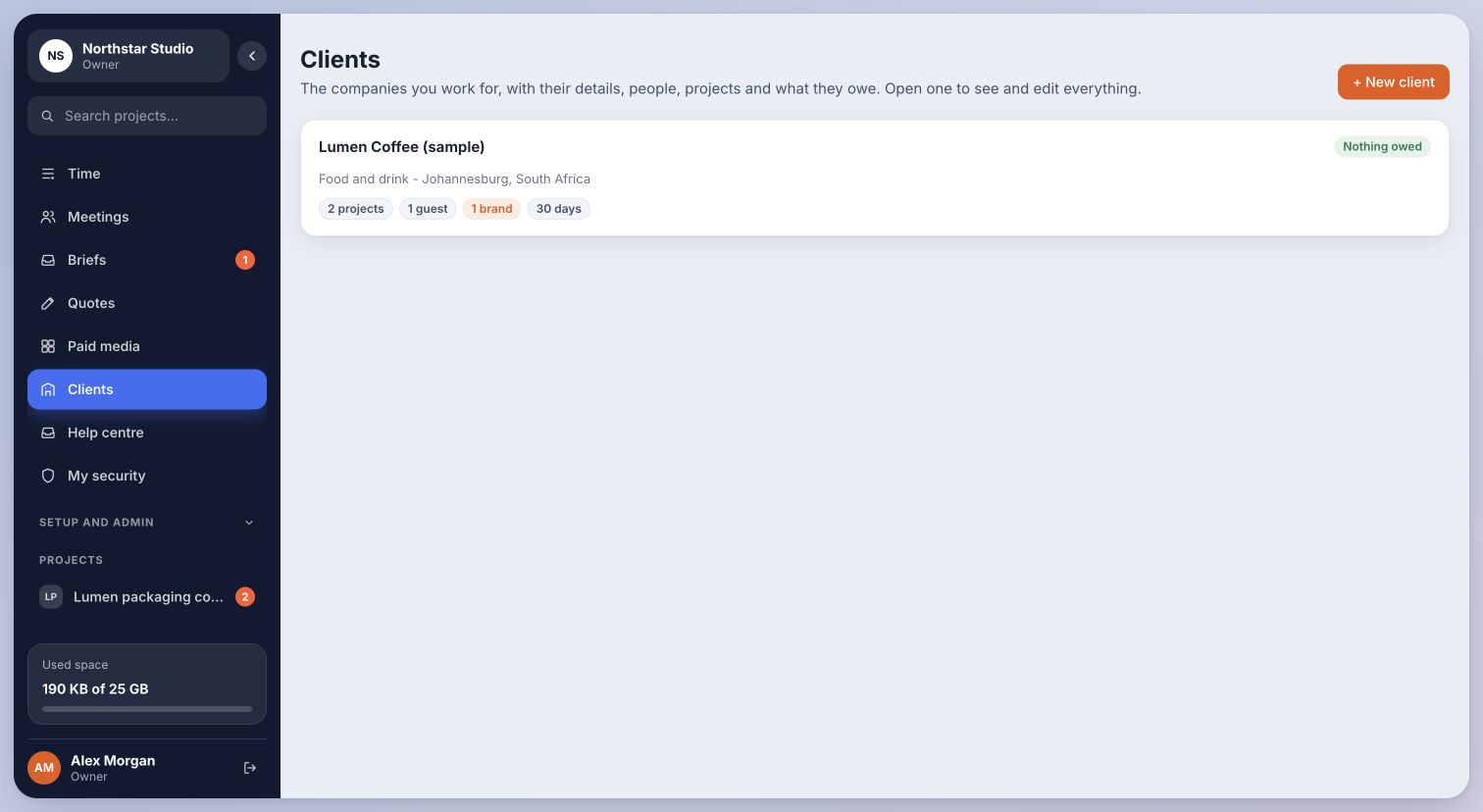
- Open Clients and complete New client with the company details.
- Add the contact and billing details you have, then create the client.
- Open the saved client to view its details, people, brands and projects.
Inside Cmd.Ctrl · Demo workspace
02Add each brand
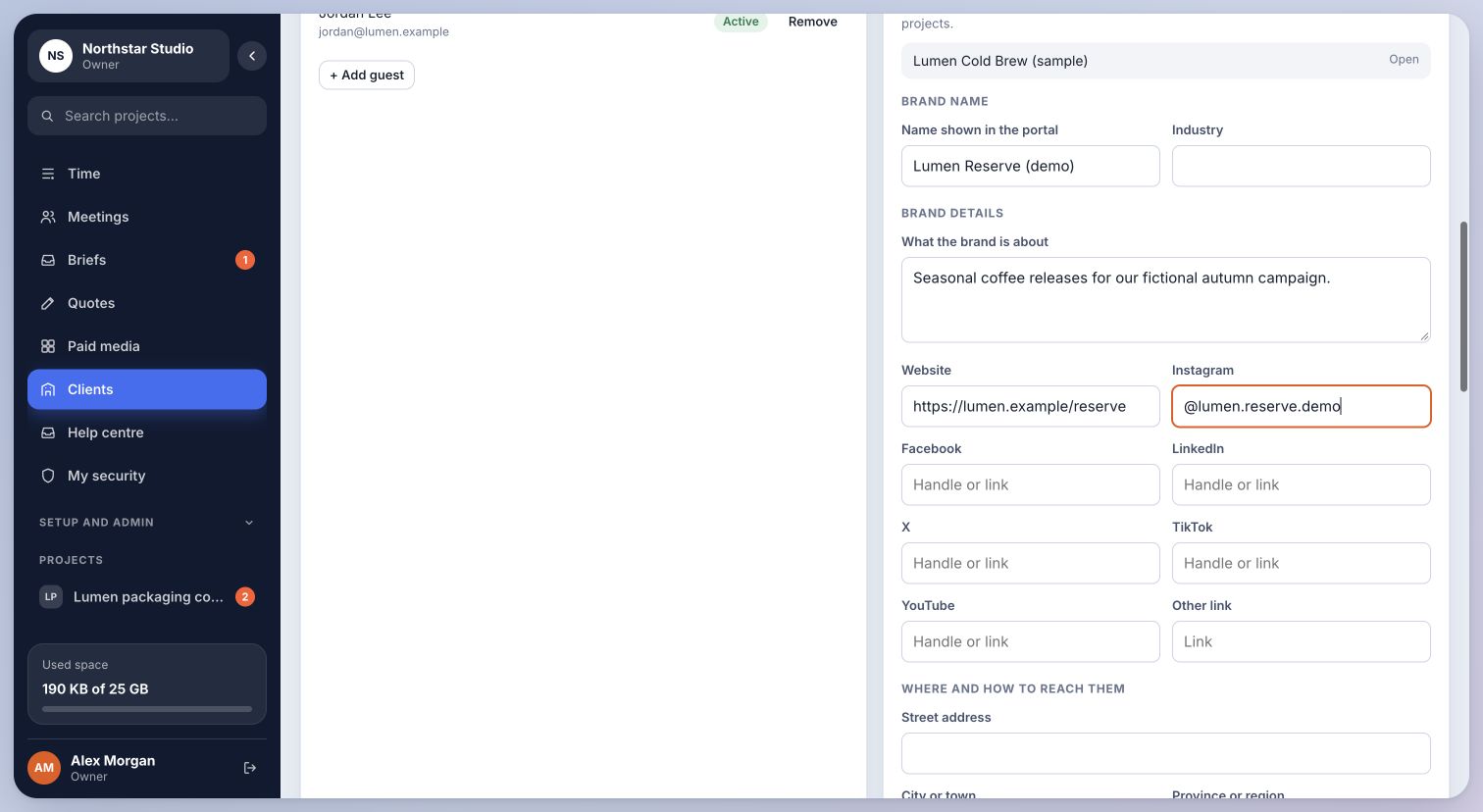
- Inside the client, choose Add Brand.
- Enter the brand name and what the brand is about. Add the website and social handles or links for that brand.
- Save the brand. Repeat for additional brands owned by the same client.
Inside Cmd.Ctrl · Demo workspace
03Keep the structure clear
Create the company once, then keep each brand’s description and socials on its brand record. The old “a brand of another client” field is not part of creating a new client.
For example, the fictional Lumen Coffee company can have a separate Lumen Cold Brew brand with its own campaign and social profiles.
You’re in the right place when…
One client holds company and billing details, with separate brands and social profiles underneath it.
Last checked . Your role and plan determine which actions you see.