
On this page
01Import a project export
- Export the project from Asana as CSV. Keep the original export.
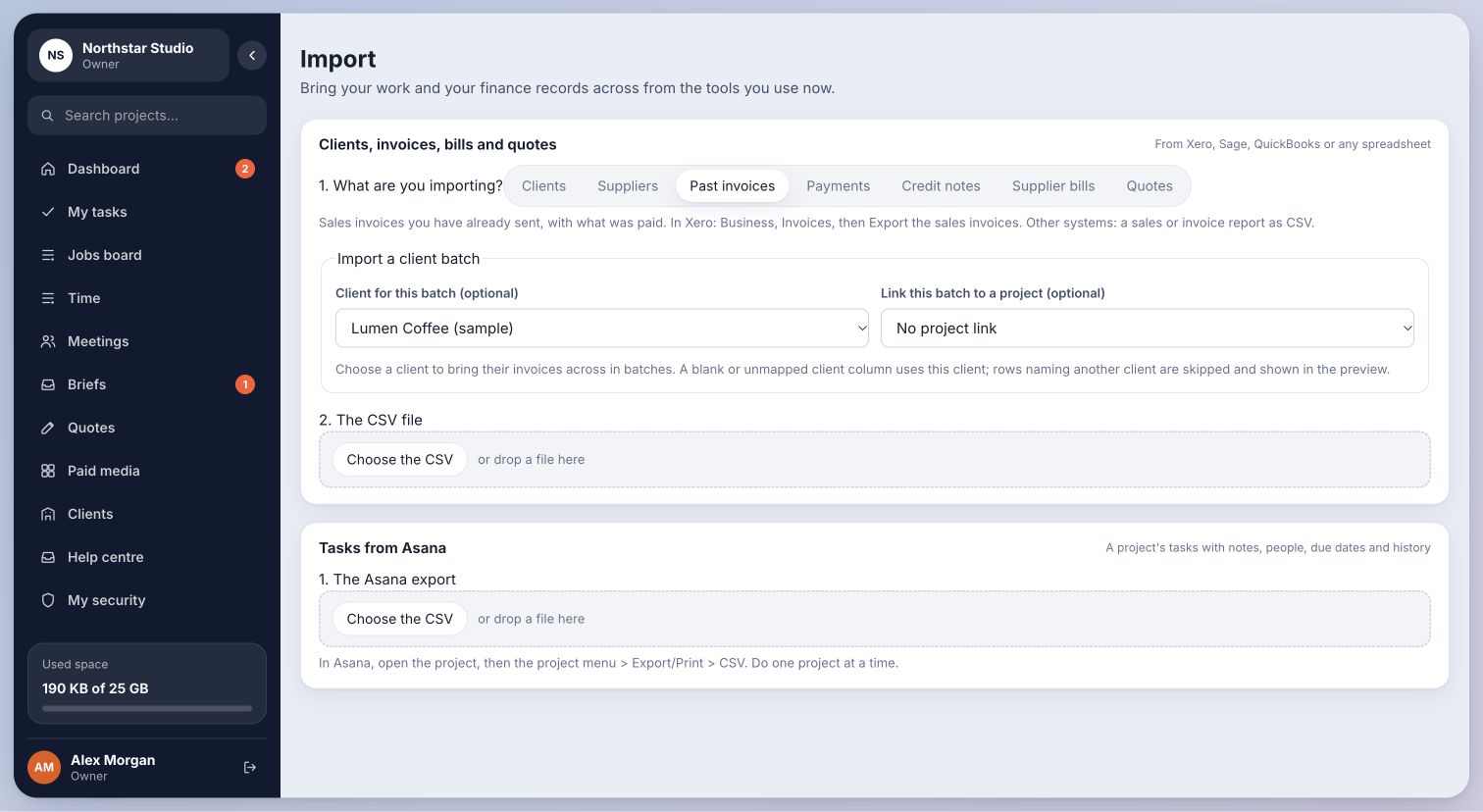
- In Cmd.Ctrl open Import and scroll to Tasks from Asana. Choose the CSV.
- Review the task preview, including notes, people and due dates.
- Choose the destination Project, Kind of work and Workstream name.
- Confirm the import, then open the destination project and check the tasks and assignments.
Inside Cmd.Ctrl · Demo workspace
02What this does
This is a one-time import from an exported file. It does not connect your Asana account or sync later edits.
If a person in the export is not on your Cmd.Ctrl team, review and assign their tasks to an appropriate team member after importing. If the preview is wrong, fix the export or mapping before importing.
You’re in the right place when…
The imported tasks appear in the intended project and workstream.
Last checked . Your role and plan determine which actions you see.