
On this page
01Use the newest link
- Check that the invitation email was sent to the email address you intend to use.
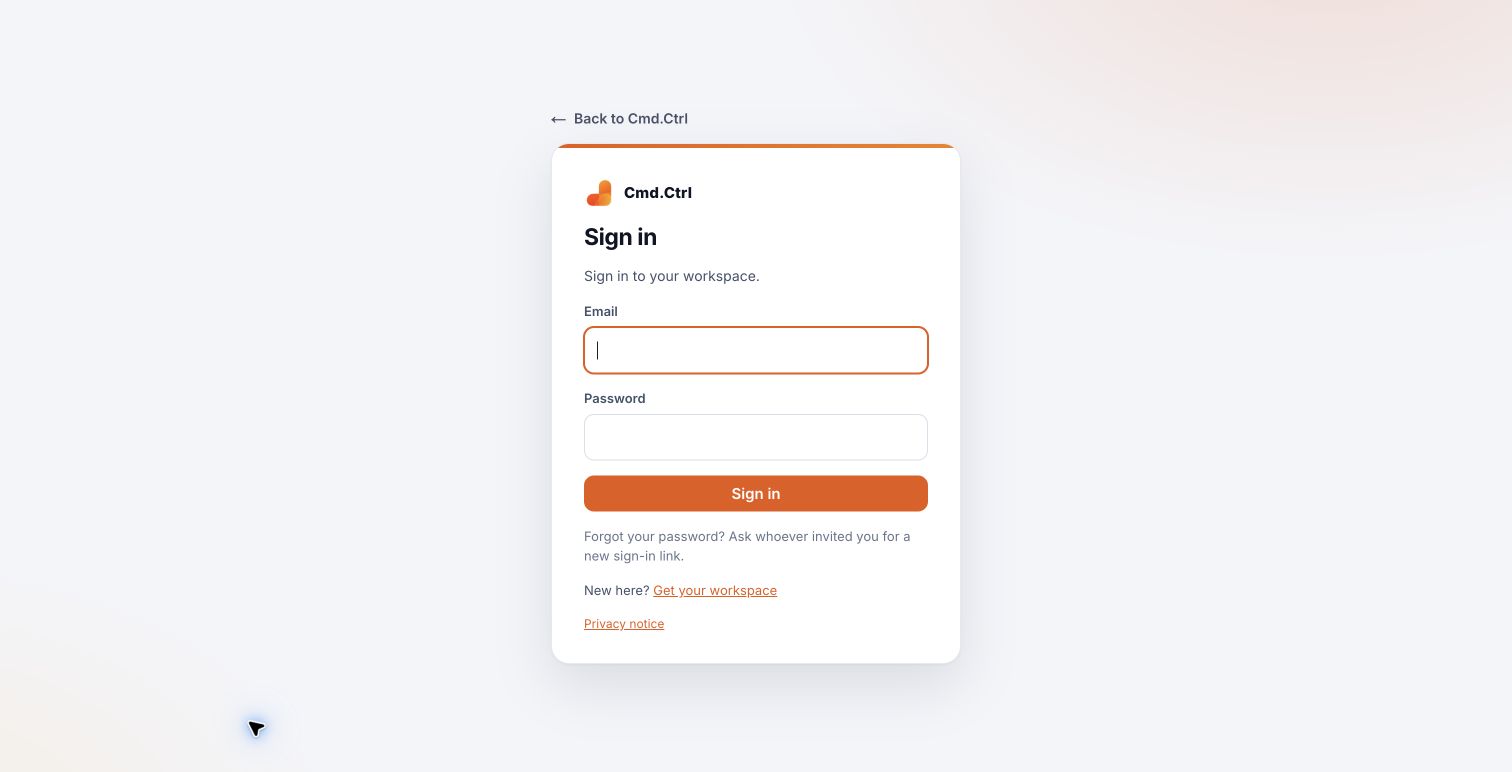
- Use the newest invitation or password link; an older one may have expired or been replaced.
- If you already have a password, return to Sign in and use that account.
- Ask the workspace owner or the person who invited you for a new link if the current one is invalid. If Forgot your password is available, use it to request a new password link.
Inside Cmd.Ctrl · Demo workspace
02When contacting your team
Give your account email, workspace address and the wording of the error. Do not forward a password, recovery code or invitation token in a public message.
You’re in the right place when…
You receive a fresh invitation or sign in with your existing account.
Last checked . Your role and plan determine which actions you see.