
On this page
01Open the right work
- Open the project you were invited to review. Select the item or post waiting for your feedback.
- Check the copy, artwork and version before responding.
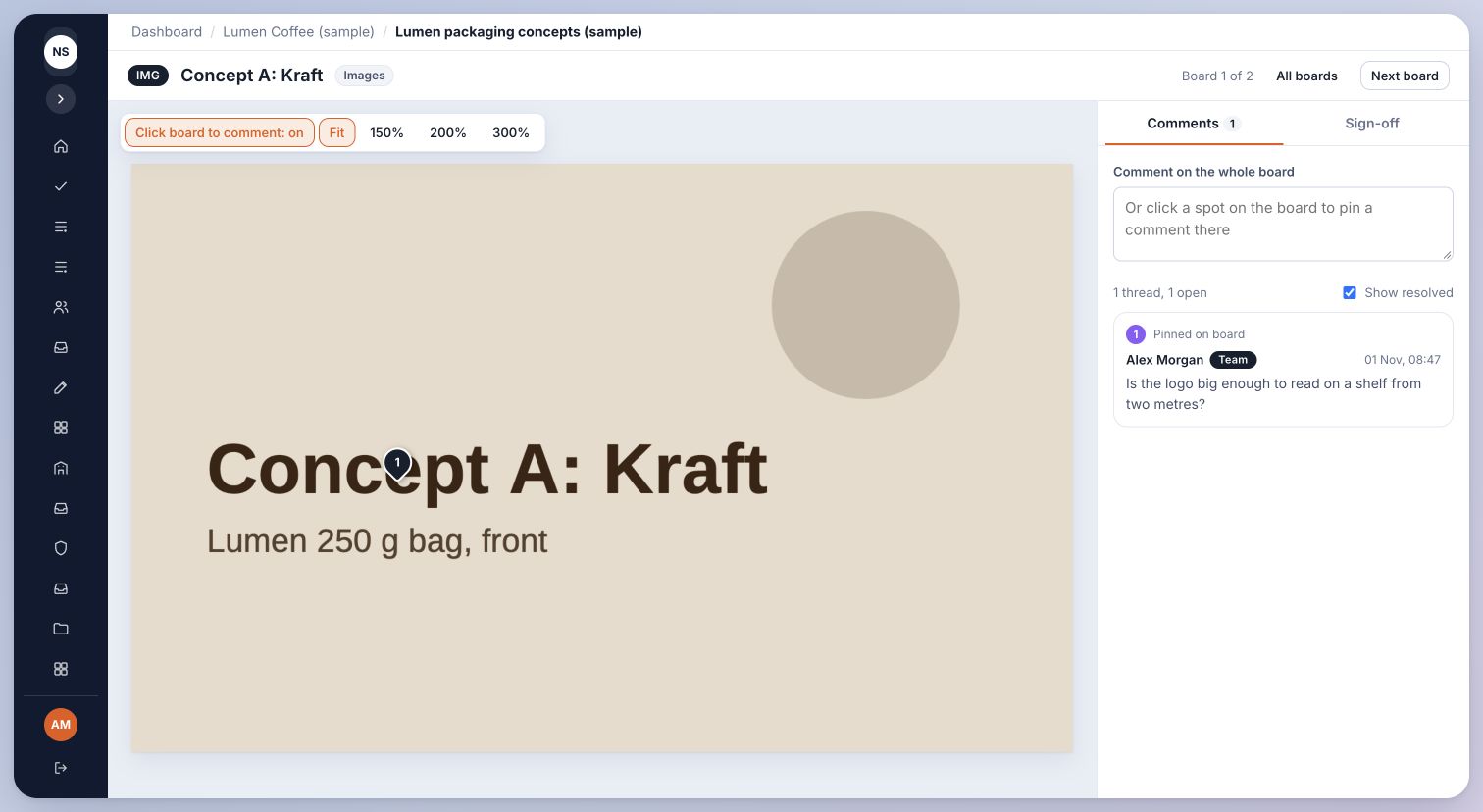
- Use the available comment or feedback controls to explain what needs changing. Be specific about the page, text or part of the image.
- Use the displayed approval or request-changes control only when you are ready to record that decision.
Inside Cmd.Ctrl · Demo workspace
02If you cannot see an item
Work may still be in copy, design or internal review. Ask the project team to confirm it has been shared with you.
A client account does not show internal team work automatically. Ask the workspace owner to check the client and project access rather than sharing another person’s login.
You’re in the right place when…
The project team can see your feedback and recorded decision on the correct work.
Last checked . Your role and plan determine which actions you see.