
On this page
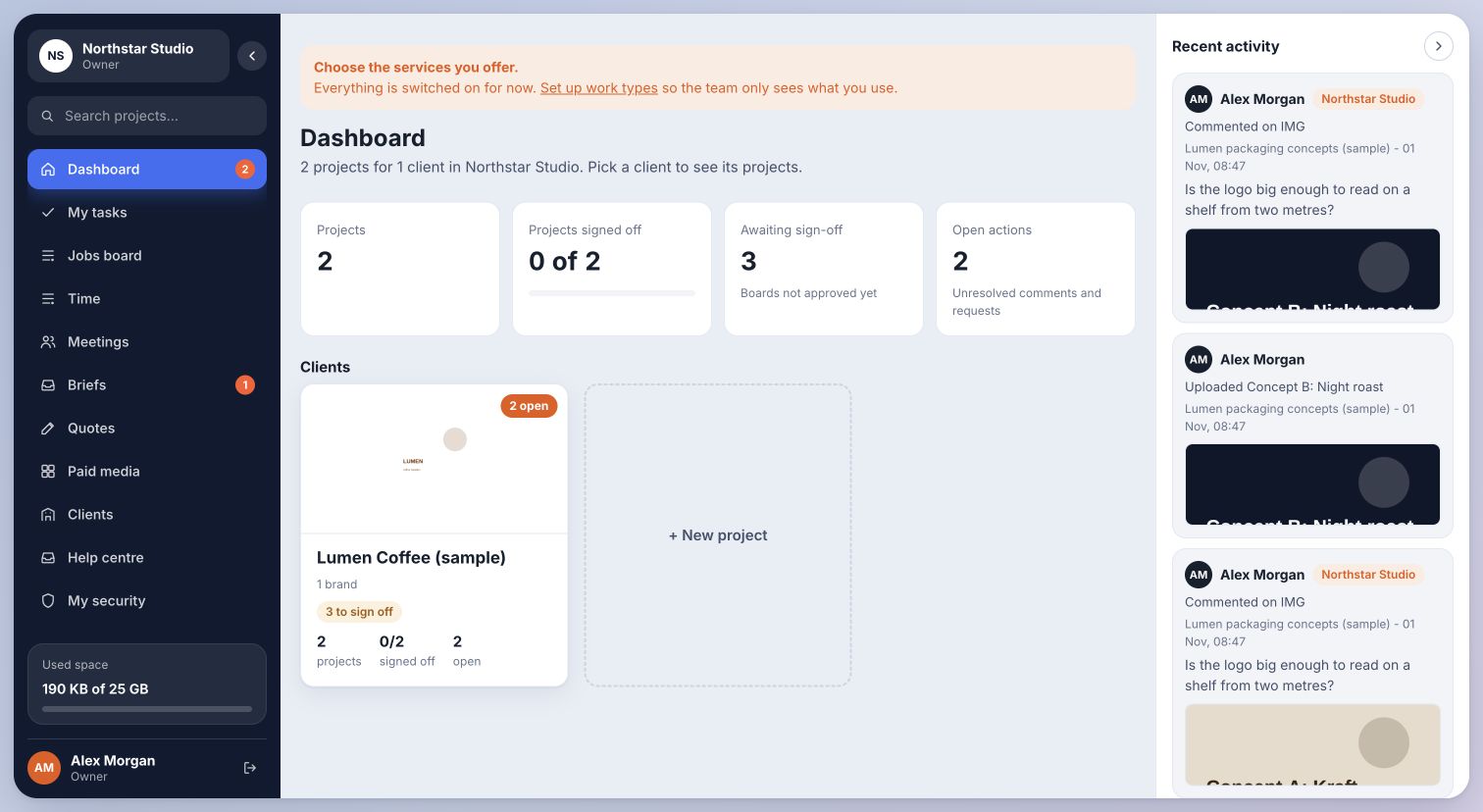
01Check the account and workspace
- Confirm that you are signed in with the email address that was invited.
- Check the workspace name in the sidebar. An account can belong to more than one workspace.
- Ask the owner to confirm your role and client or project assignment.
- For a client review, ask the team whether the item is ready and shared with you.
Inside Cmd.Ctrl · Demo workspace
02A missing page can be an access boundary
Some private pages deliberately appear unavailable when your role cannot access them. Settings and account import controls are owner features. Clients and suppliers see their own shared work.
Do not paste another client’s private project link into a public support message. Send the workspace address, role and error wording to the platform team privately.
You’re in the right place when…
The owner can confirm whether the page should be visible and correct the assignment if needed.
Last checked . Your role and plan determine which actions you see.