
On this page
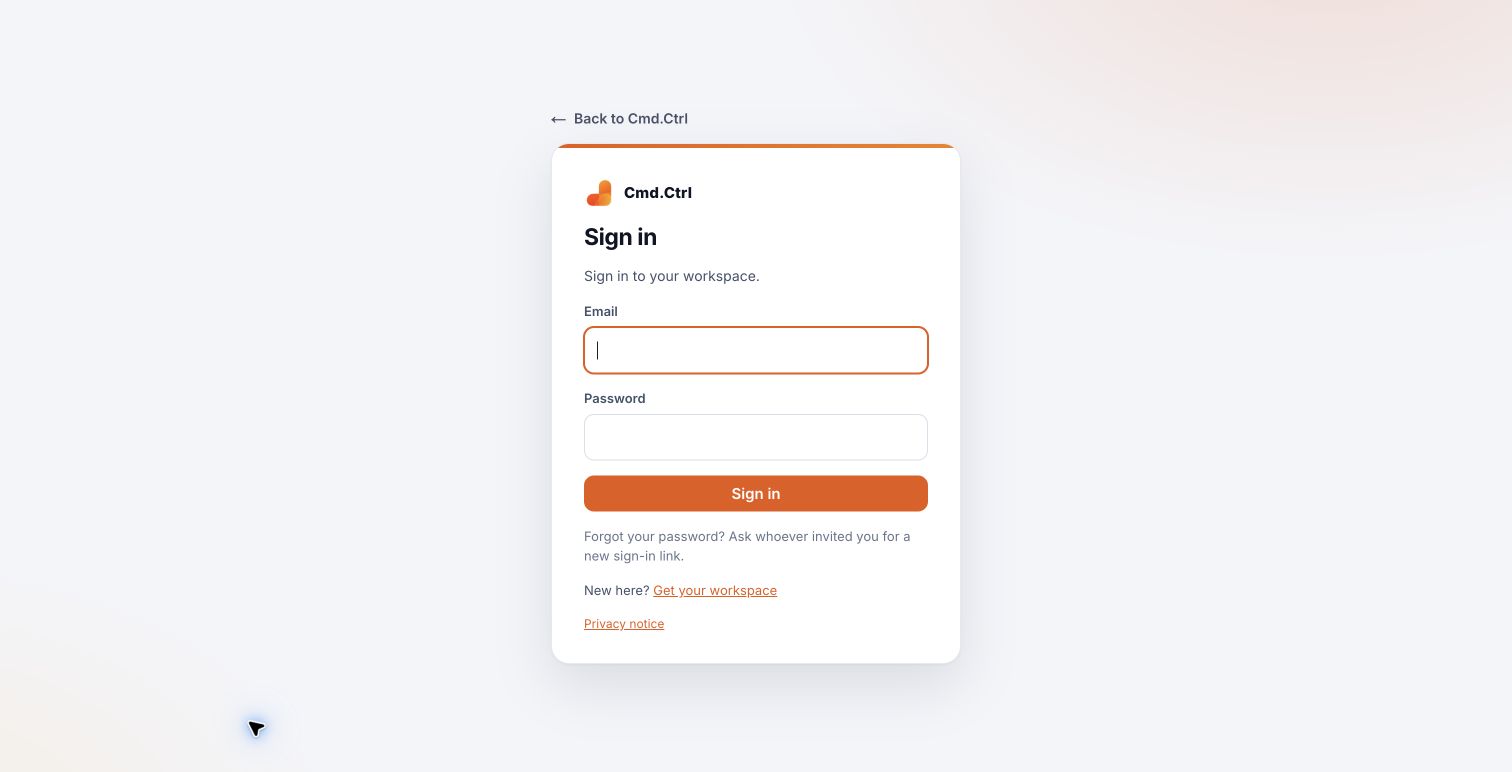
01Sign in
- Open the workspace sign-in page or choose Sign in on cmdctrl.studio.
- Enter the email address used for your invitation and your password.
- If prompted, enter the current code from your authenticator app or use an unused recovery code.
Inside Cmd.Ctrl · Demo workspace
02Set up two-step sign-in
Open My security. If two-step sign-in is not already enabled, choose Set up two-step sign-in and follow the instructions. Use your authenticator app to scan the displayed QR code and confirm the code.
Store recovery codes privately before leaving the screen. Never include a QR code, recovery code, password or invitation link in a support screenshot. Some accounts must enable two-step sign-in before continuing.
You’re in the right place when…
You can sign in with your own account and keep your recovery method somewhere safe.
Last checked . Your role and plan determine which actions you see.