
On this page
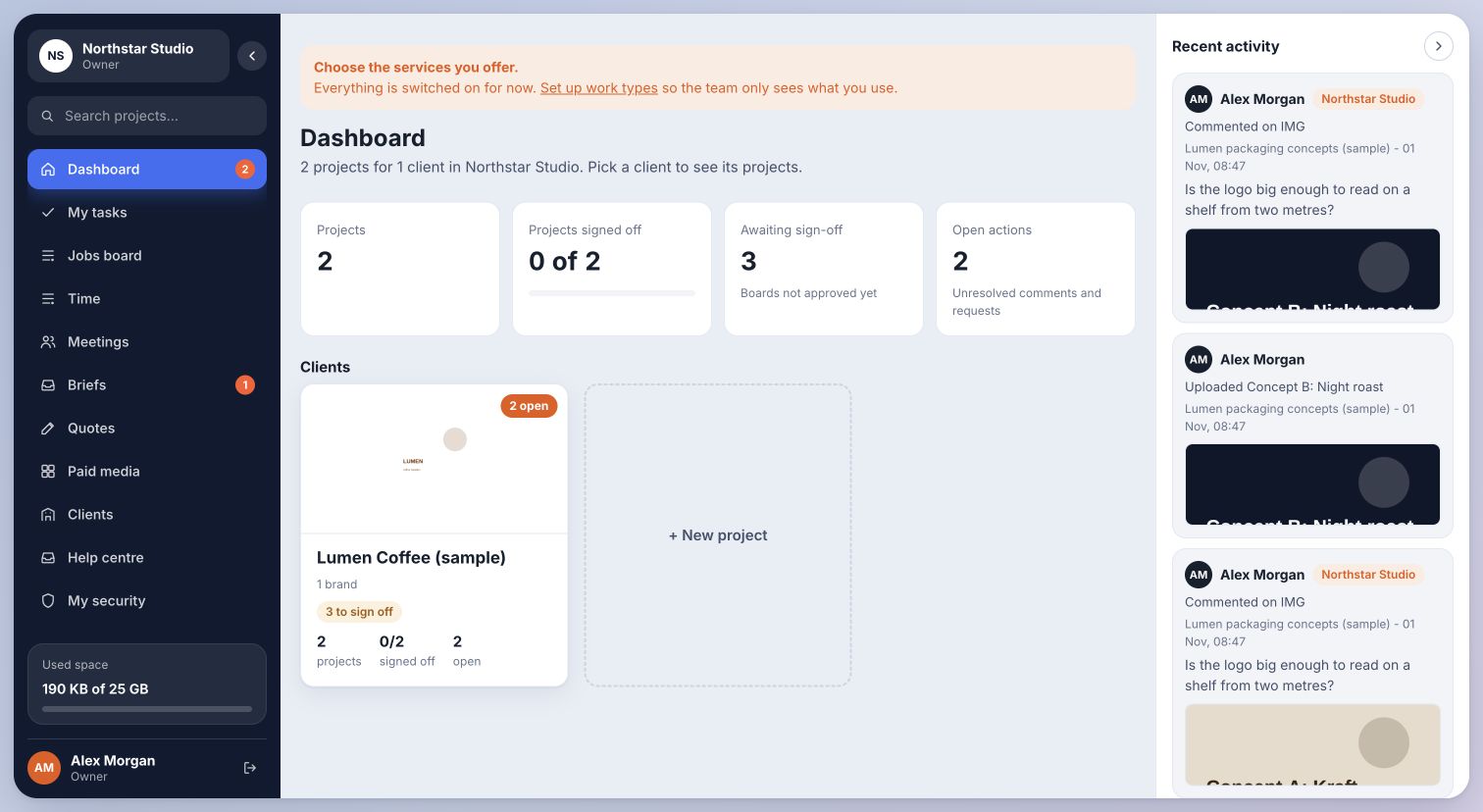
01Create the project
- Open the workspace dashboard and choose New project.
- Give the project a clear name and choose the relevant client or brand. Select the kind of work and add a short description.
- Open the project. Add the workstreams, tasks or content batches needed for the job.
Inside Cmd.Ctrl · Demo workspace
02Move work through the process
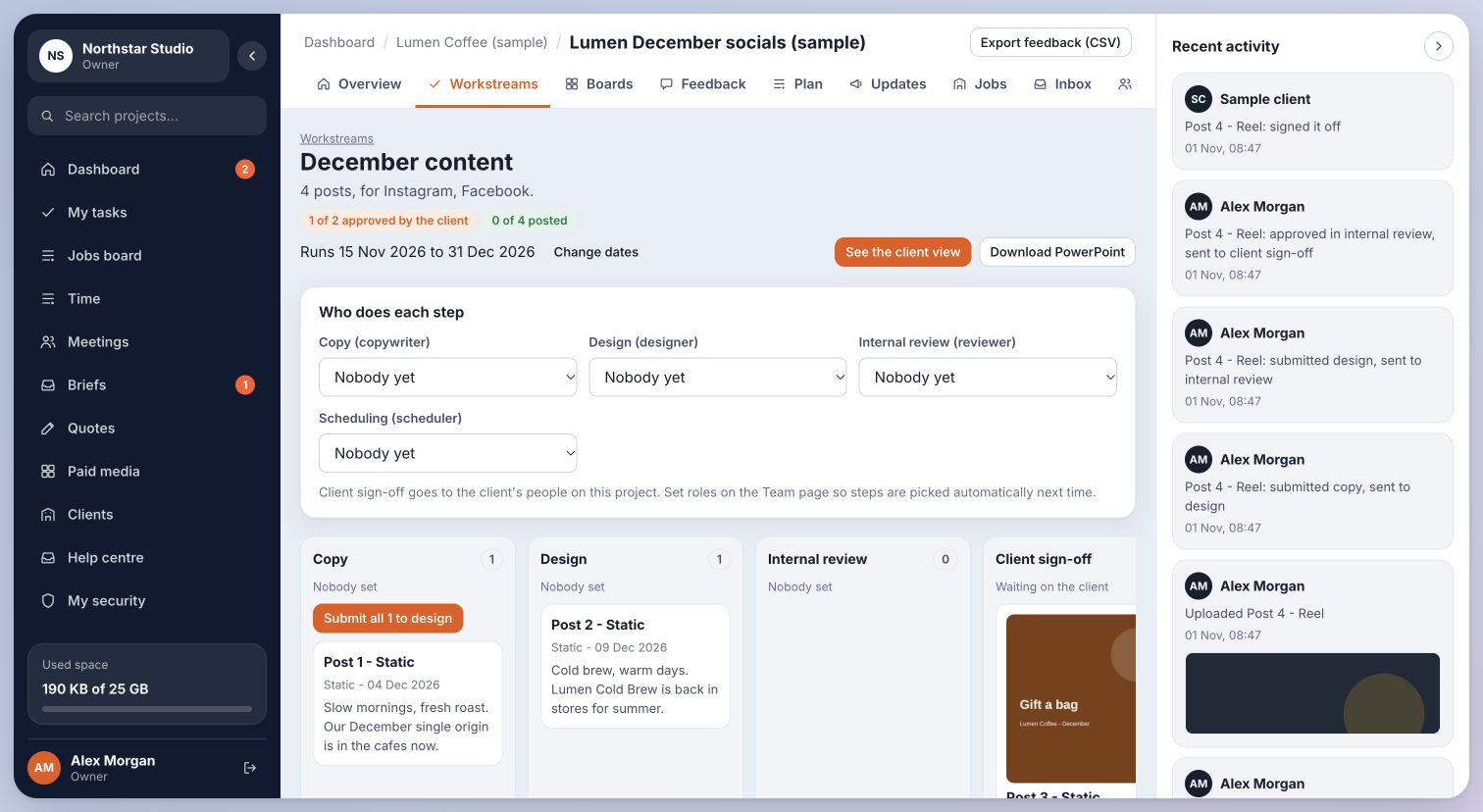
Use workstreams to separate deliverables inside one project. Social content batches can hold individual posts, platforms, copy, design and publication dates.
Tasks imported from Asana are added to a selected project and workstream. Importing does not create a live Asana connection. Review owners and dates after an import.
Inside Cmd.Ctrl · Demo workspace
You’re in the right place when…
Your project has a clear client, scope and place for each piece of work.
Last checked . Your role and plan determine which actions you see.